

Markdown is the source of truth
Edit Markdown on the left and get a zoomable, collapsible, directly editable SVG mind map on the right.
Live editing, visual thinking, AI note Q&A, reviewable repository actions and GitHub sync across devices
Edit Markdown on the left and get a zoomable, collapsible, directly editable SVG mind map on the right.

Source / WYSIWYG visual editing, Mermaid code-block previews, diagnostics and spell checking keep drafts and mode preferences available in the browser.

Manage the UI, editor and preview appearance from Help > Preferences. Catppuccin, Everforest, Gruvbox and Tokyo Night support independent highlighting and canvas overrides.

Manage repository Markdown with an IDE-style file tree; stage changes locally and push them in one confirmed commit.

Search notes on demand, combine them with model knowledge, review Edit-mode diffs and request Git commits.

Export Markdown, Mermaid, SVG, static vector PDF, PNG, JPEG and HTML. Bitmap exports support a 1–4× render scale.

The desktop app can resize and collapse the editor; mobile layouts keep the system selection bar and return to the editor when a repository file is tapped.

Drafts, repository bindings, Agent settings and history stay in the browser; branch lines adapt to the background while document metadata remains authoritative.
markmap++ runs entirely in the browser. Open the app and edit the welcome guide to try live preview. The guide is restored on the next fresh start, so export important content as Markdown or connect a GitHub repository for persistent storage.
'/%3e%3cpath%20d='M118%2012h270c-94%2048-158%20116-188%20204-29%2085-21%20181-78%20284H112C57%20500%2012%20455%2012%20400V112C12%2057%2057%2012%20112%2012Z'%20fill='url(%23glow)'/%3e%3cg%20fill='none'%20stroke='%23fff'%20stroke-width='18'%20stroke-linecap='round'%20stroke-linejoin='round'%3e%3cpath%20d='M108%20256h154'/%3e%3cpath%20d='M108%20256c61%200%2057-104%20126-104h45c30%200%2025-51%2064-51h38'/%3e%3cpath%20d='M279%20152h58c35%200%2025%2047%2064%2047h11'/%3e%3cpath%20d='M108%20256c61%200%2057%20104%20126%20104h45c30%200%2025%2051%2064%2051h38'/%3e%3cpath%20d='M279%20360h58c35%200%2025-47%2064-47h11'/%3e%3c/g%3e%3cg%20fill='%23fff'%3e%3ccircle%20cx='108'%20cy='256'%20r='34'/%3e%3ccircle%20cx='262'%20cy='256'%20r='29'/%3e%3ccircle%20cx='262'%20cy='152'%20r='27'/%3e%3ccircle%20cx='262'%20cy='360'%20r='27'/%3e%3ccircle%20cx='412'%20cy='199'%20r='31'/%3e%3ccircle%20cx='412'%20cy='313'%20r='31'/%3e%3ccircle%20cx='398'%20cy='101'%20r='35'/%3e%3ccircle%20cx='398'%20cy='411'%20r='35'/%3e%3c/g%3e%3cg%20fill='none'%20stroke='%235734d5'%20stroke-width='14'%20stroke-linecap='round'%3e%3cpath%20d='M398%2083v36M380%20101h36'/%3e%3cpath%20d='M398%20393v36M380%20411h36'/%3e%3c/g%3e%3c/svg%3e)
Use the Web app anywhere, or download the desktop app for direct local Markdown and Git workspace access. Both versions share the editor, mind map, Agent and GitHub sync experience.
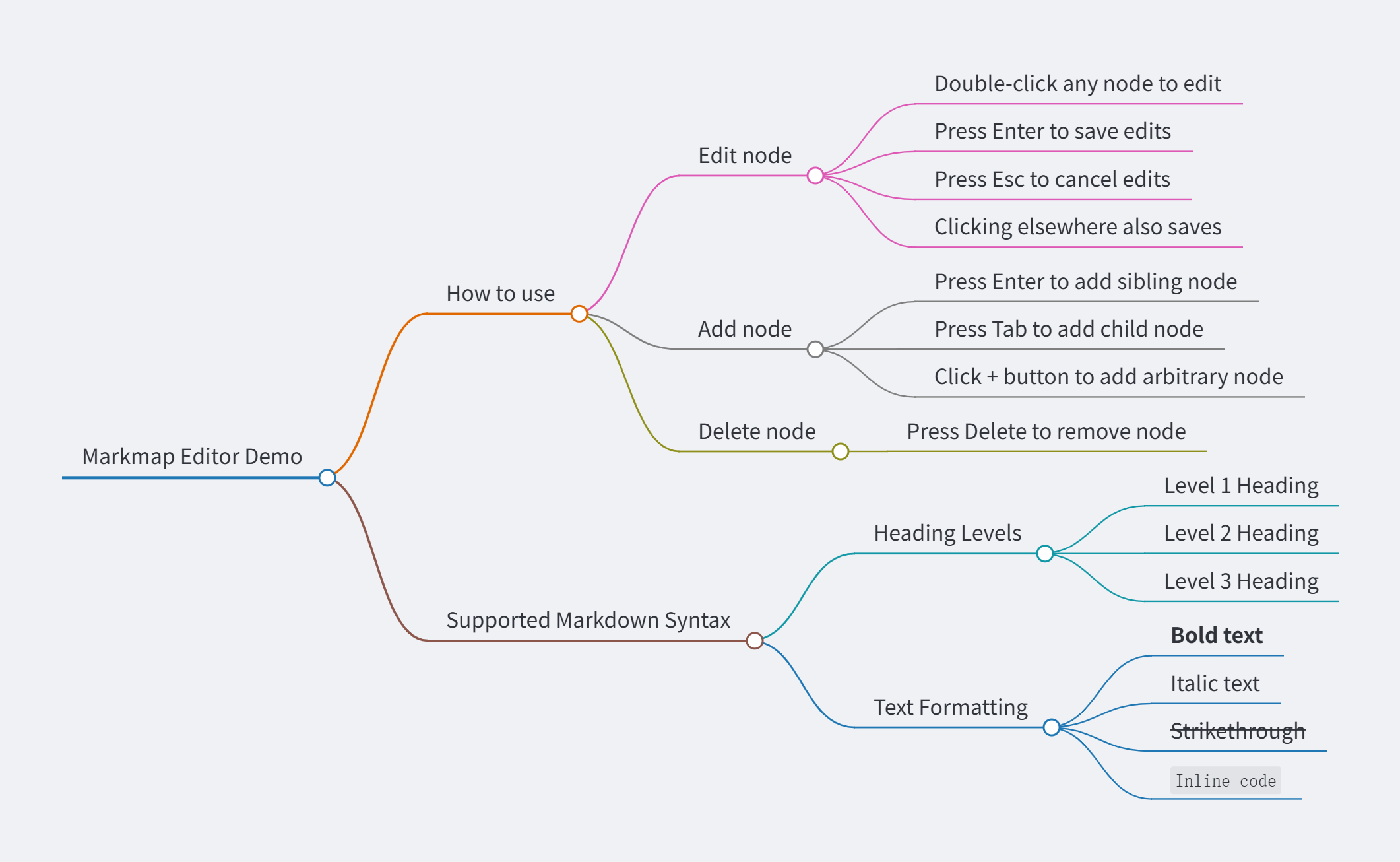
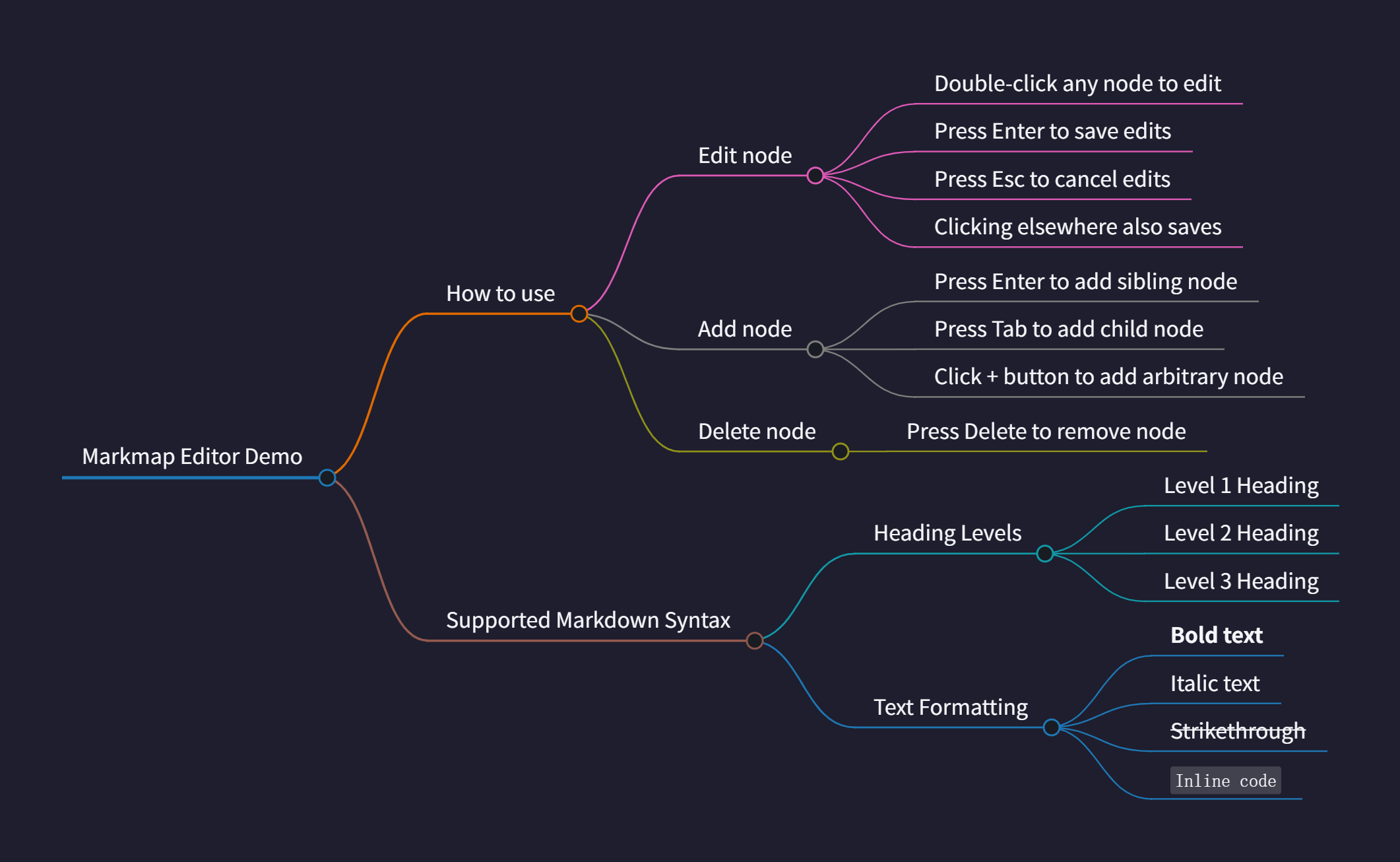
From first notes to organized knowledge and cross-device sync, your work stays in a source file you can review and take with you.
Edit Markdown on the left and watch the mind map update on the right. Nodes, canvas and themes stay adjustable.
Markdown → Mind mapAsk with your notes and context, then review the proposed changes before applying them in Edit mode.
Ask → Review → ApplyConnect a GitHub notes repository and continue across the Web app, desktop app and mobile devices.
GitHub sync